
- Website
- code.visualstudio.com
About Visual Studio Code
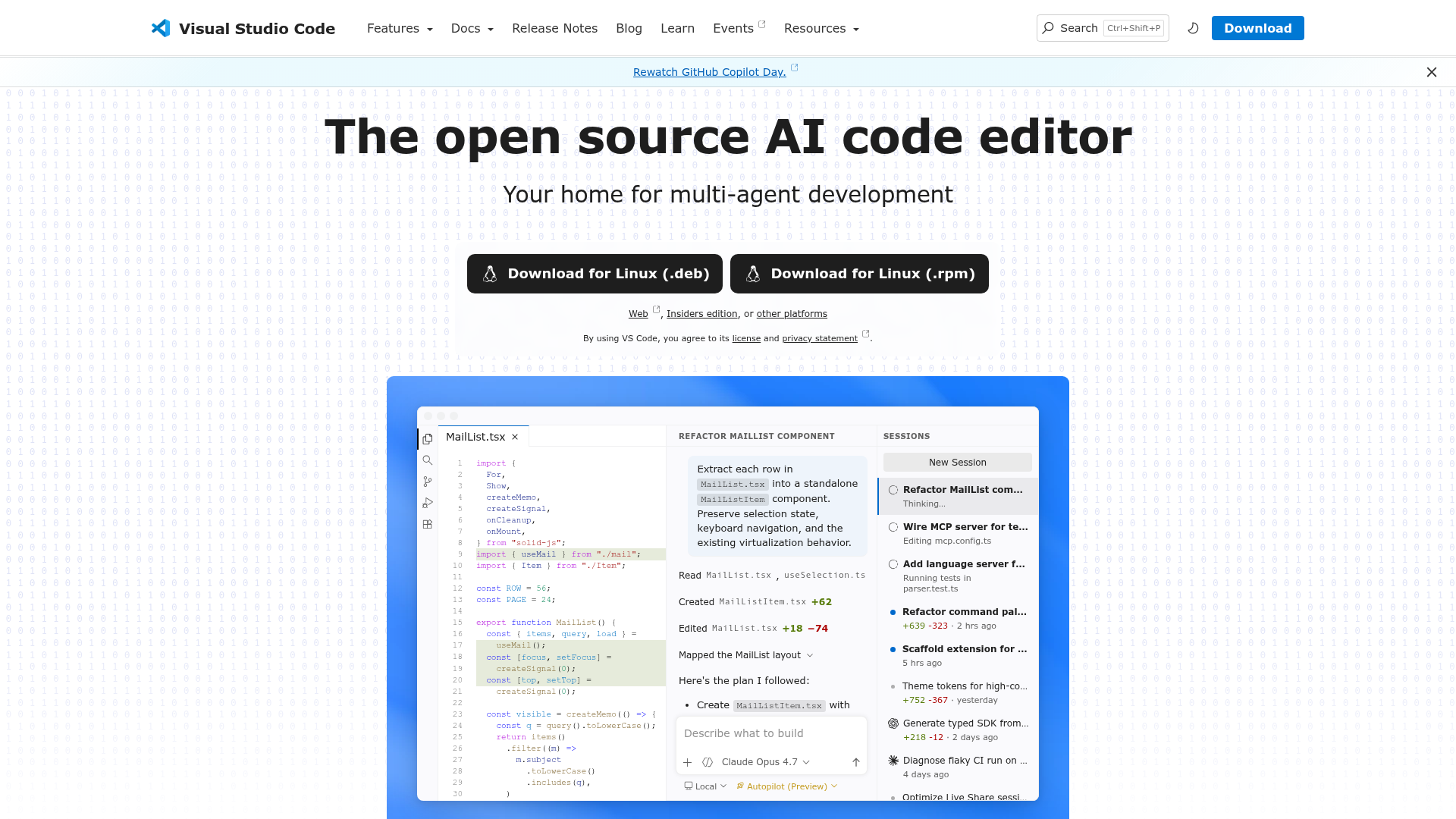
Visual Studio Code is the open-source AI-powered code editor used by developers to build and debug modern web and cloud applications. It’s free on Linux, macOS, and Windows and can index local and remote codebases to enable context-aware interactions.
Key Features
Key capabilities that shape AI-assisted coding include model access, codebase awareness, and workflow customization:
AI model access
Use Claude Sonnet out of the box, or bring your own key to access models from Azure, Anthropic, Google, Ollama, OpenAI, and OpenRouter.
Codebase indexing
Your codebase is indexed locally and remotely (on GitHub) to understand what’s relevant, enabling fast, context-aware interactions.
Agent mode
Reads your codebase, suggests edits across files, runs terminal commands, and responds to compile or test failures — looping until the job is done; further refine with VS Code extensions and Model Context Protocol (MCP) servers.
Next edit suggestions
VS Code predicts your next move as you code and offers AI-powered suggestions you can accept with Tab.
Summary
Best for software engineering teams, frontend and backend developers, and DevOps engineers building cloud-native apps.


