
- Website
- kino.ai
About Kino
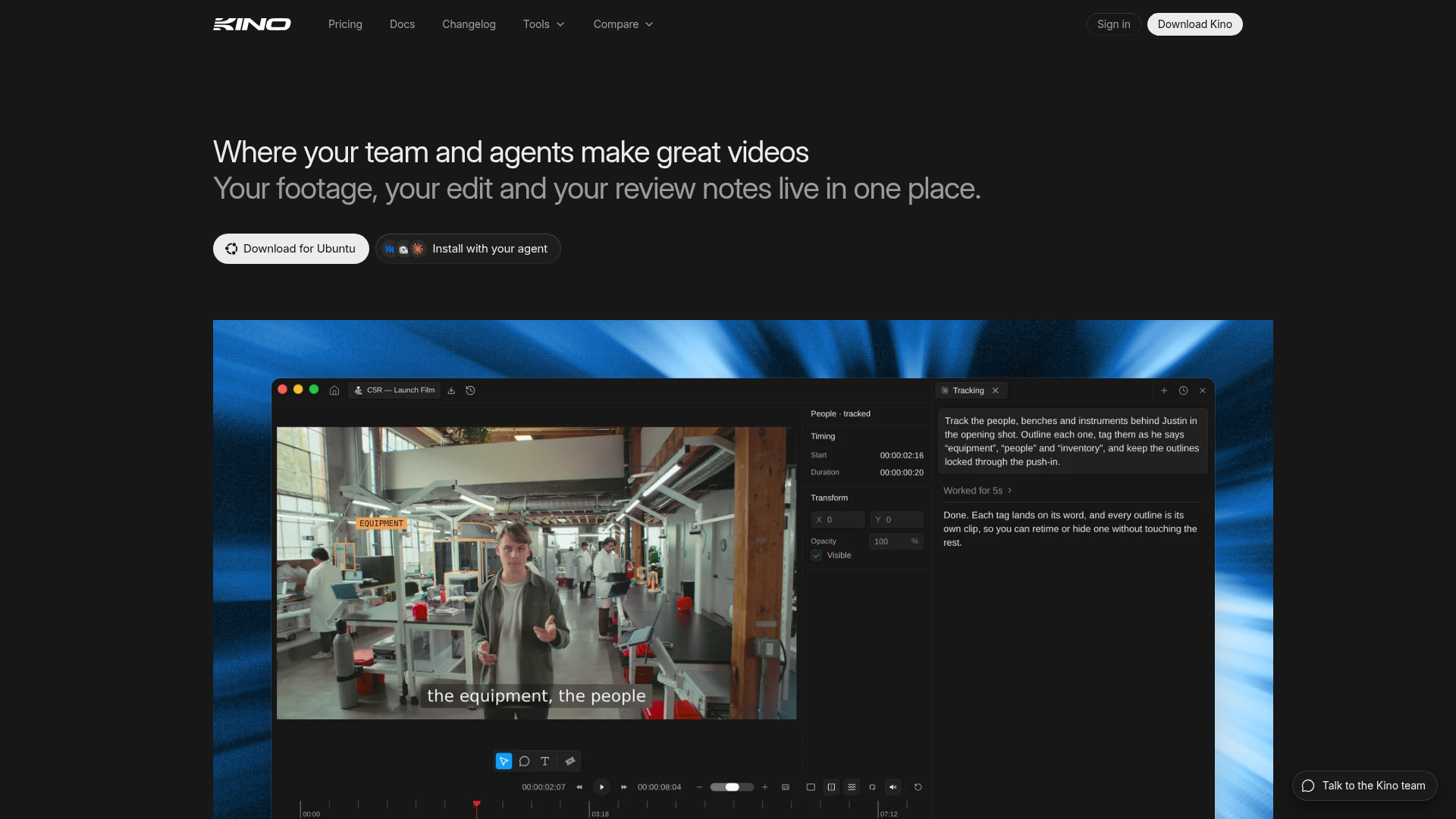
Kino helps video teams edit footage, coordinate with AI agents, and collect review notes in one desktop workspace. Agents can build cuts directly on the timeline, leaving editors able to inspect and change each clip.
Key Features
The workflow brings footage, editing, and review into the same project:
Agent-assisted cuts
Ask an agent to assemble a cut on the timeline, then move or refine the clips yourself.
Searchable footage
Search transcripts and shot descriptions; filter clips by codec, camera, lens, or shoot day.
Browser-based review
Send a link for review without requiring viewers to create an account; comments attach to the timeline.
Templates and motion graphics
Start with more than 100 templates for titles, maps, captions, and transitions, then adjust them in the editor.
Worth Knowing
Check which paid allowances your workflow will use before moving a team project into Kino:
- Free-plan scope: The editor, unlimited imports and exports, and real-time collaboration are free; shareable links, searchable footage, and AI editing require an upgrade. [1]
- AI overages: Monthly AI credits reset each billing cycle, and usage beyond the included amount is billed at on-demand rates. [1]
- Proxy storage: Cloud proxy storage is based on the amount of proxy footage hosted. [1]
Who It's For
Best for video production teams, internal creative groups, and marketing agencies that want agent-assisted editing alongside team review.
More in Video
See all →


Kino Reviews
No reviews yet. Used Kino? Be the first to review it.
Sources
- [1] Pricing – Kino