
- Starting price
- $12/mo
- Pricing
- Free plan
- Website
- www.grammarly.com
About Grammarly
Grammarly is an AI-powered writing assistant that helps users compose clear, mistake-free writing. It serves individuals and organizations across contexts, offering suggestions to improve communication and professionalism.
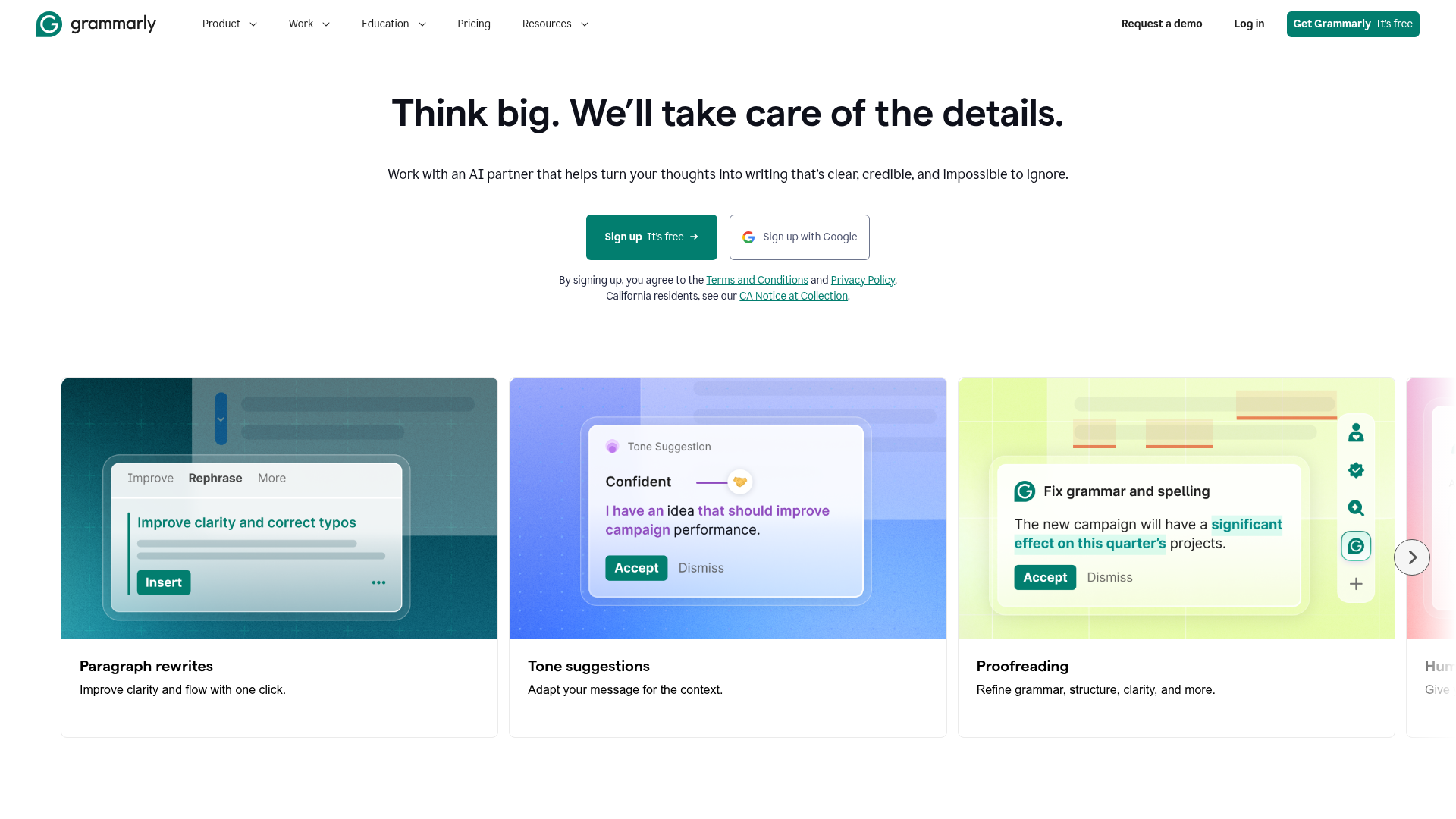
Key Features
In daily workflows, Grammarly spots issues as you type, guides tone, and supports long-form drafts from proposals to reports:
Real-time Suggestions
AI-powered grammar, style, and tone corrections as you write across email, chat, and documents.
Long-form Writing Assistance
Guidance for drafting proposals and other formal content with structure and consistency.
Feedback & Review Capture
Tools to collect manager feedback and reader reactions to refine drafts.
Cross-Platform Integrations
Supports Slack messages, email, web editors, and browser extensions to fit into existing workflows.
Summary
Best for individuals and teams that write emails, proposals, and internal docs—marketing, product, and HR.
Pricing
View pricingPlans and prices as listed on grammarly.com as of Sep 24, 2026.
Free
$0 / month
- Write without spelling and grammar mistakes
- See your writing tone
- Generate text with 100 AI prompts
Pro
$12 / month
- Achieve your goals with clear and confident writing
- Email reminder 2 days before trial ends
- Try for $0.00
- Everything in Free, plus:
- Rewrite full sentences with a click
- Adjust your writing tone with ease
- Write fluently in English
- Unlimited personalized suggestions
- Detect plagiarism and AI generated text
- Generate text with 2,000 AI prompts
Enterprise
Contact Sales / N/A
- Drive results across your organization with Grammarly
- Everything in Pro, plus:
- Proactive AI that works everywhere
- Dedicated support
- BYOK encryption
- Custom roles and permissions
- Data loss prevention
- Cost center visibility
More in Writing
See all →
Supercharge your services

Write Faster With AI, Save Time

Write better marketing copy faster with AI

Collaborative documents, with powerful AI editing tools

Your Virtual Content Assistant

QuillBot's AI-powered paraphrasing tool will enhance your writing.