HelloStack

Best Homerow Alternatives in 2026

8 top Utilities tools you can use instead of Homerow, with pricing and key features.

Homerow

Navigate macOS like a pro

UtilitiesFrom $49.99 / one-time
  • Label-based clicking
  • Keyboard scrolling
  • Search and click
  • The Tutor
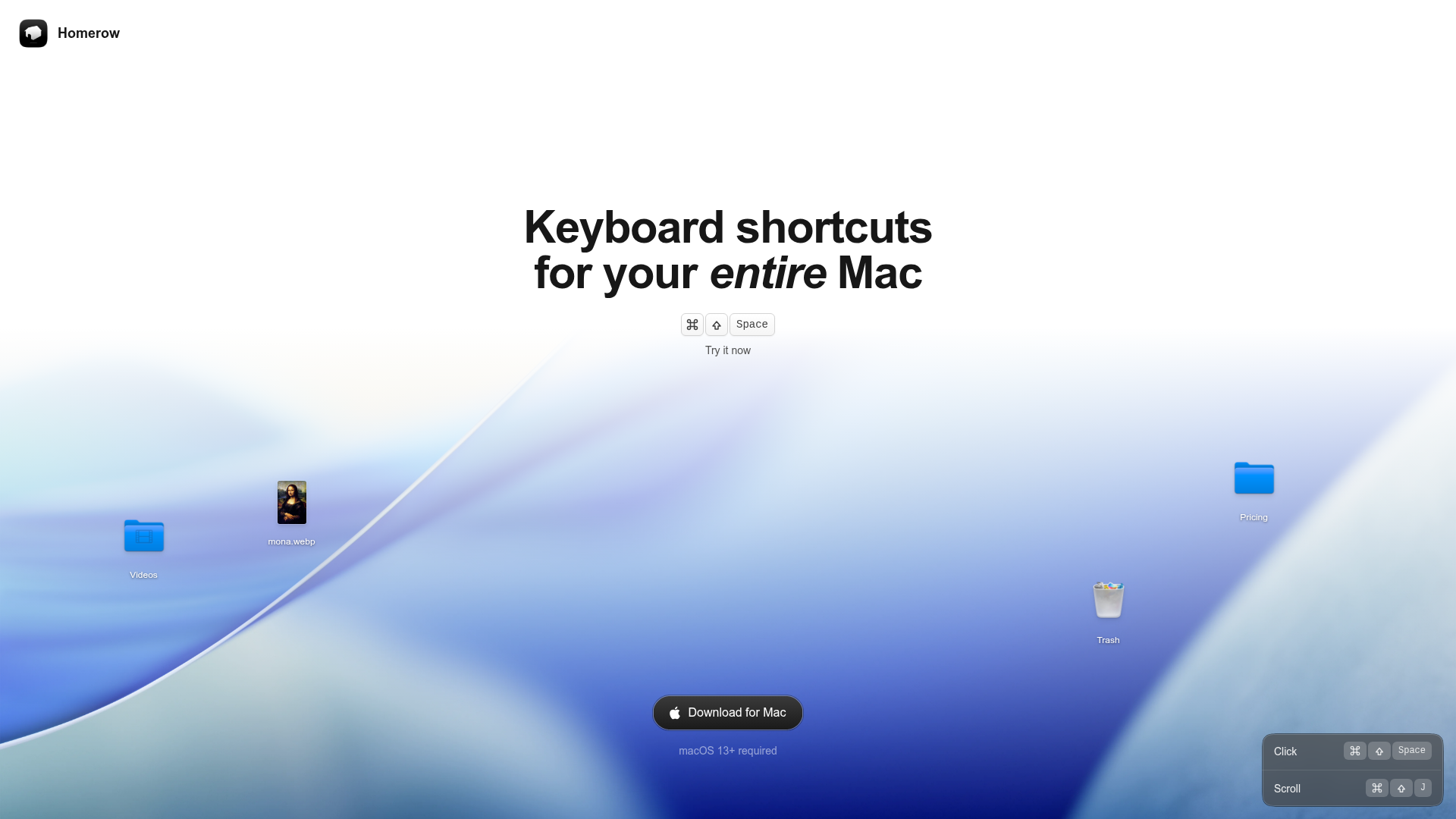
Homerow screenshot

Homerow alternatives

Capture your Mac’s screen like a pro

UtilitiesFrom $10 / per user/mo, billed monthly
  • All-in-one capture suite
  • Annotations and editing
  • Fast sharing and collaboration

Create beautiful images of your code

UtilitiesFree plan available
  • Syntax Theme & Coloring
  • Background & Window Mode
  • Layout Options

Your online recording studio

UtilitiesFree plan available
  • Studio-quality recording
  • AI-assisted editing
  • Transcriptions and captions

A tiny and fast mac screenshot tool with annotations

Utilities
  • Scrolling Screenshots
  • Annotate & Markup
  • Text recognition (OCR) & QR

For every messy Mac situation

UtilitiesAI
  • AI-Powered Organization
  • Duplicate Detection & Removal
  • Custom Folder Structure

Clipboard History Manager for Mac

Utilities
  • Notch Shelf Drag & Drop
  • OCR for Screenshots & Images
  • Multi-Clip Copy

Online Screen Recorder for Mac & Windows

UtilitiesFrom $12 / per user/month
  • Screen Recording
  • Auto Editing
  • Fast Video Creation

Capture. Polish. Done.

Utilities
  • Compositions
  • Backgrounds
  • Annotate

Frequently Asked Questions

What is Homerow?

Homerow is a Utilities tool: Navigate macOS like a pro. Paid plans start from $49.99 / one-time. Key features include Label-based clicking, Keyboard scrolling, Search and click and The Tutor.

Are there free alternatives to Homerow?

Yes. Ray.so and Riverside have a free plan.

Which Homerow alternatives are paid-only?

CleanShot X: From $10 / per user/mo, billed monthly. Tella: From $12 / per user/month.