
- Starting price
- $49.99one-time
- Website
- www.homerow.app
- Social media
- @homerow_app
About Homerow
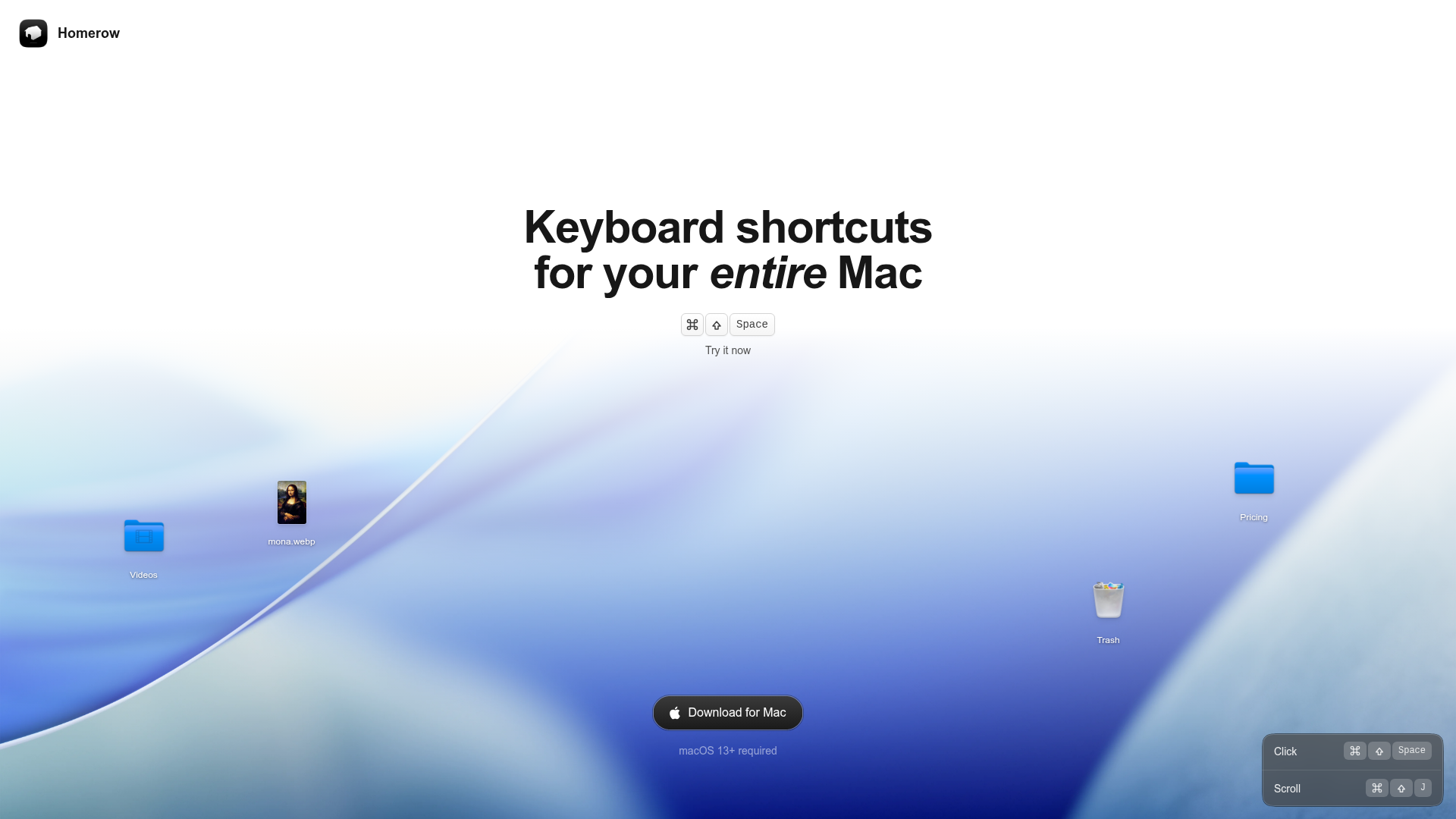
Homerow is a macOS navigation tool that lets you drive UI actions with the keyboard. It serves power users and professionals who want to stay focused by minimizing mouse movement and context switching, making UI actions fast and ergonomic.
Key Features
When you need to interact with UI across native and web apps, Homerow exposes a keyboard-first flow that guides you to the right element and action:
Label-based clicking
Activate a click by typing the UI element label after triggering the activation shortcut to perform a click.
Keyboard scrolling
Scroll within any app using J and K, hold Shift to accelerate, and switch scroll areas with Tab or number keys.
Search and click
Press ⌘⇧/ and type what you want to click; use arrow keys to focus on other elements or type a different label while holding Shift, then press Return to activate.
The Tutor
Reveal the searchable properties of the focused element to help clarify how queries should be formed.
Summary
Best for product teams, developers, and ops teams who work keyboard-first across native and web apps.
Pricing
View pricingPlans and prices as listed on homerow.app as of Sep 24, 2026.
Homerow
$49.99 / one-time
- Use on all your personal Macs
- All future updates included
- Free to try (reminder every 50 activations)


